Pausing your Ninja Dual Air Fryer is simple and essential for achieving perfectly cooked meals. This guide walks you through the easy steps to pause, check your food, make adjustments, and resume cooking. With these simple techniques, you’ll ensure your dishes are always cooked to perfection.
How to Pause Ninja Dual Air Fryer
Welcome, culinary adventurers! You’ve just invested in a fantastic kitchen companion, the Ninja Dual Air Fryer, and you’re eager to whip up some delicious meals. From crispy fries to perfectly cooked proteins, this appliance is a game-changer. But what happens when you need to check on your food mid-cook, shake the basket for even crisping, or perhaps add another ingredient? The answer is simple: you pause it!
Many home cooks might feel a little hesitant about interrupting the cooking cycle. Will it mess up the settings? Will the food lose its crispiness? Fear not! Pausing your Ninja Dual Air Fryer is not only safe but also a smart cooking technique that can elevate your results. In this comprehensive guide, we’ll walk you through exactly how to pause your Ninja Dual Air Fryer, why you might want to, and what to do once you’ve hit that pause button. Get ready to take control of your cooking like never before!
Key Takeaways
- Effortless Pausing: The Ninja Dual Air Fryer is designed with intuitive controls, making pausing a simple one-button action.
- Mid-Cook Adjustments: Pausing allows you to check the doneness of your food, shake or flip ingredients, and make minor temperature or time adjustments.
- Dual Basket Management: For dual-basket models, you can pause one basket independently or both simultaneously, offering great flexibility.
- Safety First: Always exercise caution when opening the drawers and handling hot food to prevent burns.
- Resuming Cook Time: Once you’ve finished your adjustments, resuming cooking is just as straightforward as pausing.
- Model Variability: While the core function is the same, slight variations might exist between different Ninja Dual Air Fryer models.
Understanding the Pause Function
The pause function on your Ninja Dual Air Fryer is a lifesaver. It’s designed to give you control over the cooking process without disrupting the entire cycle. Think of it as a “pause” button on your remote control for your favorite show; you can step away, grab a snack, and come right back to where you left off.
This feature is particularly useful for:
* **Checking doneness:** Is that steak cooked to your liking? A quick pause lets you see without overcooking.
* **Flipping or shaking:** For even cooking and crisping, many foods benefit from being flipped or having their contents shaken.
* **Adding ingredients:** You might want to add a sauce or extra seasoning halfway through.
* **Ensuring uniform cooking:** Especially when cooking different items in each basket of a dual-zone model.
Let’s dive into the simple steps to achieve this culinary superpower.
How to Pause Your Ninja Dual Air Fryer: Step-by-Step
The process of pausing your Ninja Dual Air Fryer is remarkably straightforward. While the exact button placement might vary slightly depending on your specific model, the principle remains the same.
Step 1: Identify the Pause/Start-Stop Button
Your Ninja Dual Air Fryer control panel will have a clear button for starting and stopping your cooking program. Often, this button is labeled with symbols like “Start/Stop,” a play/pause icon, or sometimes just “Start” and “Stop” as separate functions that work in conjunction.
* **For models with a single Start/Stop button:** This is typically the button you press to begin your cooking cycle. Pressing it again will pause the current operation.
* **For models with distinct Start and Stop buttons:** You’ll usually press the “Start” button to begin. To pause, you might press “Stop” momentarily, or some models have a dedicated “Pause” button. Refer to your user manual if you’re unsure.
Step 2: Press the Pause Button
Once your air fryer is actively cooking, simply press the designated “Pause” or “Start/Stop” button once. You will immediately hear the fan stop spinning, and the display will usually indicate that the unit is paused. The timer will also stop counting down.
Example: You’re cooking chicken wings in one basket and fries in the other. The fries need a good shake halfway through. As the timer on the fries approaches the midpoint, you’ll press the pause button.
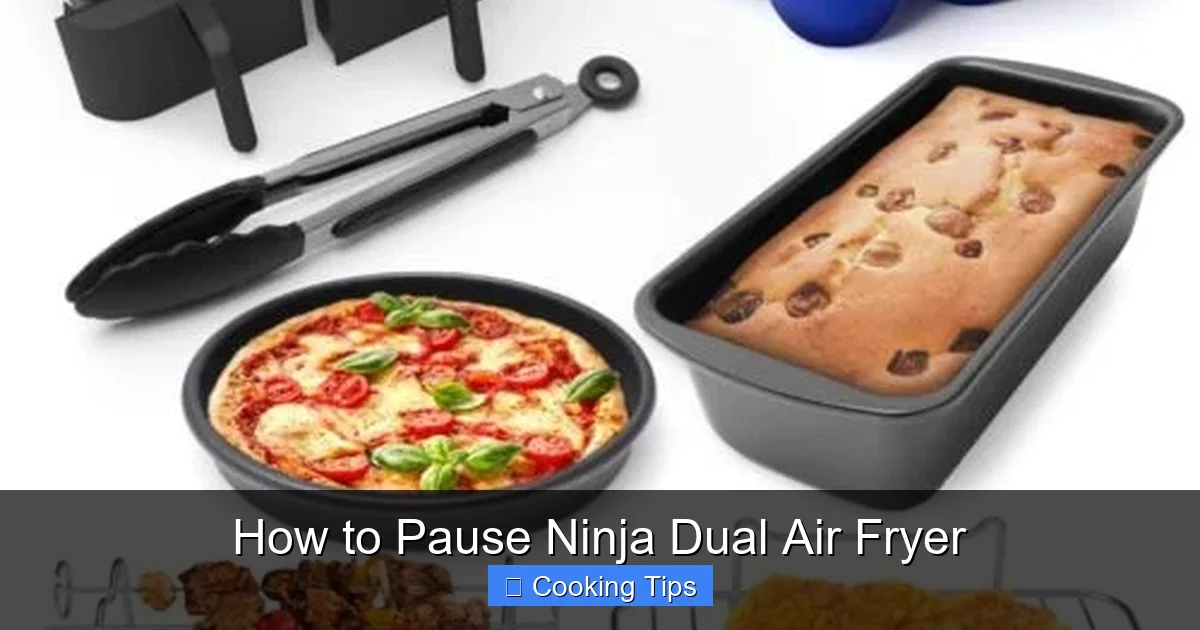
Visual guide about How to Pause Ninja Dual Air Fryer
Image source: easycopycatrecipe.com
Step 3: Open the Air Fryer Drawer(s)
With the unit safely paused, you can now carefully open the air fryer drawer(s).
* Dual Basket Models: This is where the “dual” aspect really shines. You have two options:
* Pause both baskets: If you need to attend to both simultaneously (e.g., both need flipping), press the main pause button. Then, you can pull out both drawers.
* Pause one basket (on some models): Some advanced Ninja Dual Air Fryer models allow you to pause one basket while the other continues to cook. This is incredibly useful if you have items with different cooking times. Look for specific controls that allow you to select a basket before pressing pause. If your model doesn’t explicitly offer this, pausing the entire unit is the standard procedure.
* Single Basket Models: Simply pull out the single drawer.
Safety Tip: The interior and the food will be hot. Use oven mitts or tongs to handle the drawers and any food.
Step 4: Perform Your Action
Now is your chance to do whatever you need to do!
* **Shake or Flip:** For items like fries, vegetables, or smaller protein pieces, carefully shake the basket or use tongs to flip them over. This ensures all sides get that lovely crispiness. For larger items like steaks or chicken breasts, you might flip them directly in the basket. For instance, when learning how to cook a steak in a Ninja Air Fryer, flipping it halfway through is crucial for an even sear.
* **Check Doneness:** Visually inspect your food. You can even use a thermometer to check the internal temperature.
* **Add Ingredients:** If you planned to add a sauce, cheese, or more seasoning, now is the time to do it.
* **Rearrange:** Ensure food isn’t overcrowded for the best results.
Example: You’re making bone-in chicken breast. You pause the air fryer to flip the chicken so it cooks evenly on both sides.
Step 5: Close the Drawer(s)
Once you’ve completed your action, carefully slide the drawer(s) back into the air fryer. Ensure they are fully closed.
Step 6: Resume Cooking
To restart the cooking cycle, simply press the “Start/Stop” button again. The air fryer will resume from where it left off, with the remaining time and temperature settings intact. The fan will start up again, and the cooking process will continue.
Note: On some models, if you leave the drawer open for too long after pausing, the unit might automatically shut off for safety. In such cases, you might need to re-select your program and press start.
Why Pause Your Ninja Dual Air Fryer? Practical Scenarios
Visual guide about How to Pause Ninja Dual Air Fryer
Image source: images-na.ssl-images-amazon.com
The ability to pause is more than just a convenience; it’s a tool for culinary excellence. Let’s explore some common scenarios where pausing is your best friend.
Achieving Even Crisping
Many foods, from french fries to chicken wings, benefit immensely from being shaken or flipped midway through the cooking process. Air needs to circulate around each piece to achieve that signature crispiness.
* Fries and Potato Wedges: After about half the cooking time, pause, pull out the basket, and give it a good shake. This moves the fries around so they all get exposed to the hot air.
* Chicken Wings and Nuggets: Similar to fries, shaking or flipping these ensures every surface becomes golden brown and crunchy.
* Vegetables: Broccoli florets, asparagus spears, or Brussels sprouts can be tossed mid-cook for even caramelization. This is especially helpful if you’re learning how to make vegetables in an air fryer.
Ensuring Uniform Cooking for Proteins
When cooking larger cuts of meat or poultry, pausing allows for crucial checks and adjustments.
* Steaks and Chops: Flip your steak or pork chop halfway through to ensure an even sear on both sides. This is key when following guides on how to cook a pork steak or other similar cuts.
* Whole Chicken or Roasts: While you might not flip a whole chicken, pausing can be a good time to baste it with sauce or juices.
* Chicken Breasts/Thighs: Flipping bone-in chicken pieces ensures they cook evenly and thoroughly.
Managing Dual Basket Cooking
This is where the Ninja Dual Air Fryer truly excels, and the pause function amplifies its capabilities.
* Different Cooking Times: Imagine you’re making pot pie in one basket and a side of fries in the other. The pot pie might need longer. You can cook the fries, pause, remove them when done, and then resume cooking the pot pie in that basket. Or, you can cook them simultaneously, pause both to check or flip, and then remove items as they finish.
* Adding Ingredients to One Basket: Want to add some cheese to your fries towards the end of their cooking time without disturbing the other basket? Pause, add the cheese to the fries, close the drawer, and resume.
Adding Final Touches
Sometimes, you might want to add a finishing touch that requires a brief interruption.
* Glazing: Apply a glaze to ribs or chicken wings in the last few minutes of cooking. Pause, brush on the glaze, resume, and let it caramelize. This is a great technique when you’re learning how to cook BBQ ribs.
* Toasting Nuts or Seeds: If you want to toast some nuts to sprinkle on your meal, you can quickly pause, add them to a basket with a bit of oil, shake, and resume for a few minutes.
Troubleshooting: What If It Doesn’t Pause Correctly?
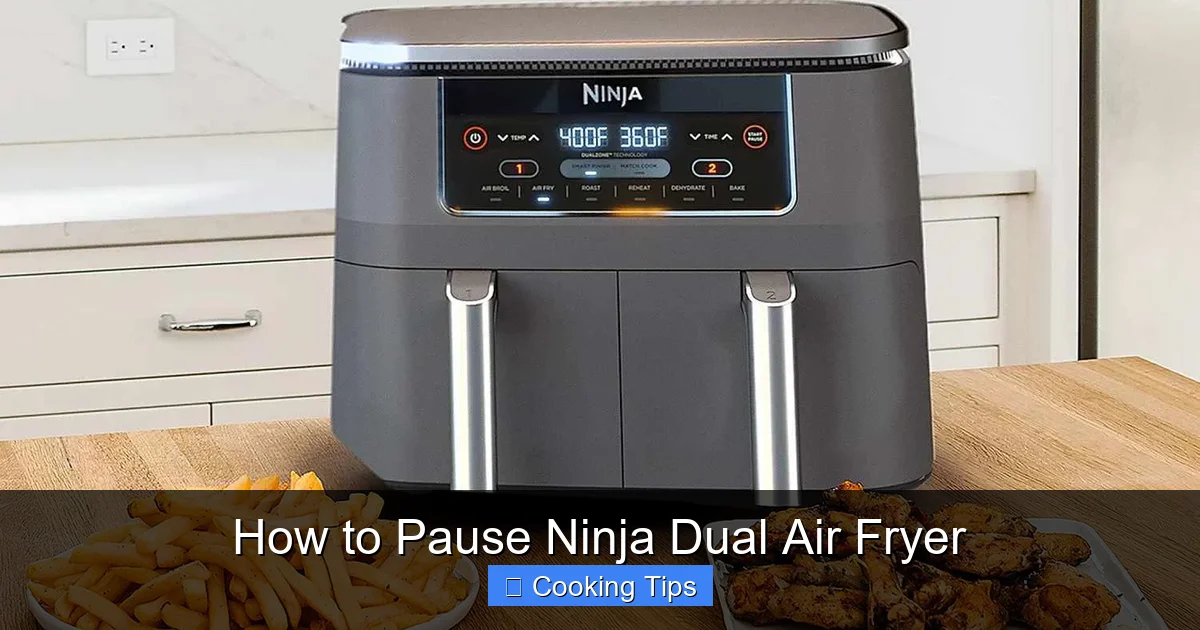
Visual guide about How to Pause Ninja Dual Air Fryer
Image source: foodandwine.com
While the pause function is generally very reliable, here are a few things to consider if you encounter issues:
The Unit Doesn’t Pause
* **Check the Button:** Ensure you are pressing the correct button firmly. Sometimes, a weak press might not register.
* **Drawer Not Fully Closed:** The air fryer is designed to only operate when the drawers are fully closed. If a drawer is even slightly ajar, it might not respond. Ensure it’s seated correctly.
* **Error Message:** Check the display for any error codes. Consult your user manual to understand what the code means.
* Model Specifics: Double-check your user manual to confirm the exact pausing procedure for your model. Some models might have unique button sequences.
The Unit Turns Off Instead of Pausing
* **Drawer Open Too Long:** As mentioned, if the drawer remains open for an extended period after pausing (typically more than a minute or two), the unit might auto-shutoff for safety. You will need to restart your program.
* **Power Interruption:** Ensure the unit is properly plugged in and that there are no power fluctuations.
The Timer Doesn’t Resume Correctly
* Restart the Program: If the timer seems to be off track after resuming, it’s best to cancel the current program, re-select your desired settings, and start again. This is rare but can happen if there was a significant interruption.
Tips for Successful Pausing
* Plan Ahead: Know when you’ll need to pause. If you’re planning to shake your fries, set a mental reminder or use your phone’s timer.
* Be Quick: The less time the drawer is open, the less heat is lost from the cooking chamber. This helps maintain consistent cooking temperatures.
* Use the Right Tools: Have oven mitts and appropriate utensils (tongs, spatulas) ready before you pause.
* Read Your Manual: Every model is slightly different. Your user manual is the ultimate resource for specific instructions.
* Don’t Overcrowd: Pausing to shake is more effective when the food has room to move. If your basket is too full, consider cooking in batches or using the dual baskets separately.
Conclusion
Mastering the pause function on your Ninja Dual Air Fryer is a simple yet powerful technique that will significantly enhance your cooking experience. It allows for greater control, ensures food is cooked evenly and to perfection, and unlocks the full potential of your appliance, especially with its dual-basket capabilities. Whether you’re shaking fries for extra crispiness, flipping a steak for a beautiful sear, or adding a final glaze to your ribs, pausing is your key to culinary success.
So, don’t be afraid to hit that pause button! Embrace it as a tool to create restaurant-quality meals right in your own kitchen. Happy air frying!